
Introduction
Your business website works around the clock. It answers questions, shows off your services, and turns visitors into customers. But keeping it fast, helpful, and up to date takes time that most business owners simply don’t have.
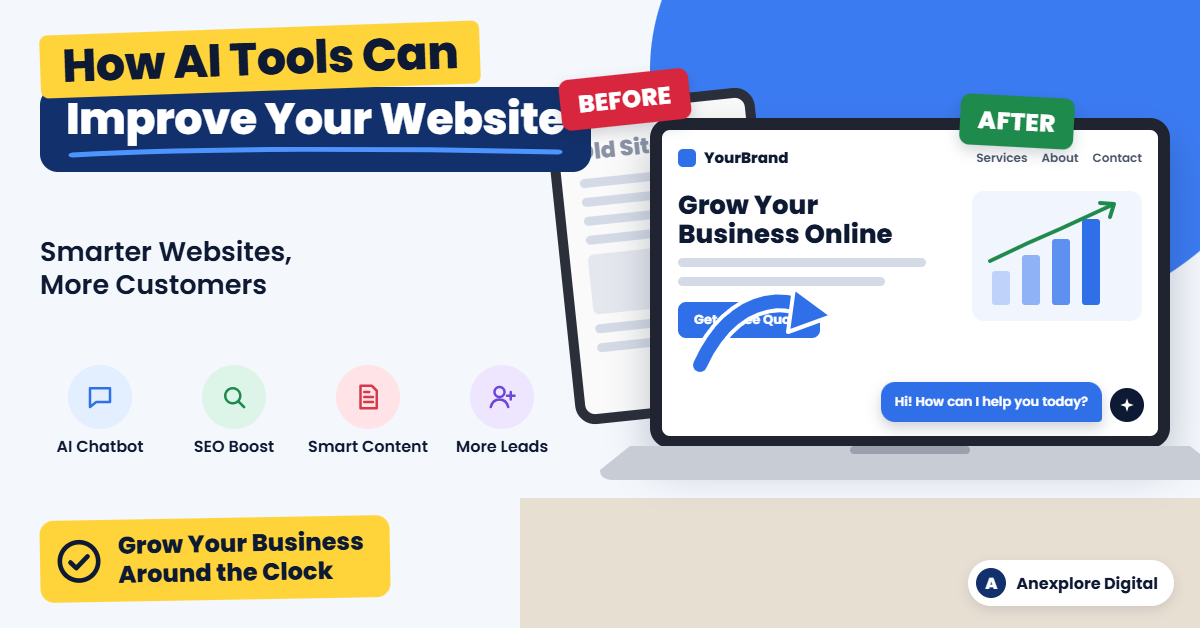
That’s where artificial intelligence (AI) comes in. Today, AI tools can help you write better content, answer customer questions instantly, improve your search rankings, and understand what your visitors really want.
The best part? You don’t need to be a tech expert or have a big budget to get started. Many AI tools are affordable, easy to use, and designed for small and growing businesses.
In this guide, you’ll learn how AI tools can improve your business website, which types of tools are worth using, how to get started, and which mistakes to avoid.
What Are AI Tools for Business Websites?
AI tools for business websites are software programs that use artificial intelligence to handle tasks that normally require human time and effort. They can understand language, spot patterns in data, and make suggestions or decisions based on what they learn.
For example, an AI tool might:
- Answer a customer’s question through a website chat window
- Suggest better headlines for your service pages
- Find keywords your customers are searching for on Google
- Show different product recommendations to different visitors
- Alert you when your website is loading slowly
In simple terms, AI tools act like a smart assistant for your website. They help you work faster, make better decisions, and give visitors a more helpful experience.
10 Ways AI Tools Can Improve Your Business Website
AI can help almost every part of your website, from the first impression to the final sale. Here are ten practical ways to put it to work.
1. Provide 24/7 Customer Support with AI Chatbots
Customers often have questions outside regular business hours. An AI chatbot can answer common questions instantly, day or night.
It can share your business hours, explain your services, help visitors book appointments, and collect contact details for follow-up. When a question is too complex, a good chatbot can pass the conversation to a real person.
Tip: Train your chatbot with your own FAQs, service details, and policies so its answers are accurate and match your brand.
2. Create Better Website Content Faster
Writing service pages, blog posts, and product descriptions takes time. AI writing tools can help you create first drafts, brainstorm ideas, and rewrite content so it is clearer and easier to read.
However, AI should support your writing, not replace your expertise. Always review, edit, and add your own experience, examples, and brand voice before publishing.
3. Improve Your Search Engine Rankings
A beautiful website won’t help much if customers can’t find it on Google. AI-powered SEO tools can help you:
- Find keywords your target customers are searching for
- Analyze what top-ranking competitors are doing
- Suggest improvements to titles, headings, and meta descriptions
- Identify missing topics in your content
- Spot technical issues such as broken links or missing image alt text
With these insights, you can make smarter decisions about which pages to improve and which new content to create.
4. Personalize the Visitor Experience
Not every visitor wants the same thing. AI personalization tools can show different content, offers, or product recommendations based on a visitor’s behavior, location, or interests.
For example, an online store might recommend products similar to the ones a shopper just viewed. A service business might highlight different services for first-time visitors and returning customers.
Personalization helps visitors find what they need faster, which can increase engagement and sales.
5. Design and Build Pages More Easily
Many website builders now include AI features that can suggest layouts, color schemes, and page sections. Some can even create a basic page draft from a short description of your business.
These features are useful for quick drafts and new ideas. For a polished, professional website that reflects your brand, combine AI suggestions with thoughtful design and careful testing.
6. Make Your Website More Accessible
An accessible website is easier for everyone to use, including people with disabilities. AI tools can help generate image alt text, check color contrast, and flag issues that may make your site harder to navigate.
AI tools are a helpful starting point, but they cannot guarantee full compliance with accessibility standards such as the Web Content Accessibility Guidelines (WCAG). A manual review is still important.
7. Speed Up Your Website
Slow websites frustrate visitors and can hurt your search rankings. AI-powered performance tools can compress images, identify heavy files, and suggest fixes that help pages load faster.
Some hosting and content delivery services also use smart technology to deliver content more efficiently to visitors in different locations.
8. Understand Your Visitors with Smarter Analytics
Your website data holds valuable information, but it can be hard to understand. AI analytics tools can highlight trends, explain changes in traffic, and point out pages where visitors are leaving.
Instead of digging through endless reports, you get clear insights you can act on, such as which pages need improvement or which marketing channels bring in the best leads.
9. Strengthen Website Security
Cyber threats are a real concern for businesses of every size. Many modern security tools use AI to detect unusual activity, block suspicious traffic, and filter spam from contact forms.
AI-powered security adds an extra layer of protection, but it works best alongside basics such as regular updates, strong passwords, and reliable backups.
10. Generate and Qualify More Leads
AI can help turn more visitors into potential customers. Smart forms, chatbots, and pop-ups can ask the right questions at the right time and collect useful information.
Some tools can also score leads based on their behavior, helping you focus on the people most likely to become customers. When connected to your customer relationship management (CRM) system, AI can make follow-up faster and more organized.
Popular Types of AI Tools for Business Websites
The right tools depend on your goals. This table shows common categories and how each one can help your website.
| AI tool category | What it helps with | Best for |
|---|---|---|
| AI chatbots | Answering questions, booking appointments, capturing leads | Service businesses, online stores |
| AI writing assistants | Drafting blog posts, page copy, and product descriptions | Businesses that publish content regularly |
| AI SEO tools | Keyword research, content optimization, technical audits | Businesses that want more organic traffic |
| AI website builders | Page layouts, design suggestions, quick drafts | New websites and landing pages |
| AI image tools | Creating, editing, and resizing website images | Brands that need fresh visuals |
| AI analytics tools | Traffic insights, visitor behavior, trend reports | Businesses that make data-driven decisions |
| AI personalization tools | Product recommendations, tailored content and offers | E-commerce and membership websites |
| AI security tools | Threat detection, spam filtering, bot blocking | Any business website |
Tip: Start with one or two categories that solve your biggest problem instead of adding many tools at once.
How to Start Using AI Tools on Your Business Website
You don’t have to change everything at once. Follow these simple steps to add AI to your website the smart way.
- Identify your biggest challenge. Are you missing leads after hours? Struggling to rank on Google? Spending too long writing content? Choose the problem that matters most to your business right now.
- Choose the right type of tool. Match the tool to the problem. For example, use a chatbot for customer questions or an SEO tool for search visibility.
- Check compatibility. Make sure the tool works with your website platform, such as WordPress, Shopify, Wix, or Squarespace.
- Review privacy and security. Read how the tool collects, stores, and uses data, especially if it handles customer information.
- Start small and test. Try the tool on one page or one task first. Many tools offer free trials or free plans.
- Measure the results. Track changes in traffic, leads, response times, or sales so you know whether the tool is worth keeping.
- Expand what works. Once a tool proves its value, use it more widely or add another tool to solve your next challenge.
Common Mistakes to Avoid When Using AI on Your Website
AI is powerful, but it isn’t perfect. Avoid these common mistakes to protect your brand and your customers.
Publishing AI content without review. AI can make factual errors or sound generic. Always check facts, edit for clarity, and add your own expertise before anything goes live.
Losing your brand voice. Your customers choose you for who you are. Make sure AI-generated text still sounds like your business.
Ignoring data privacy. Some AI tools process visitor information. Make sure your privacy policy is accurate and that you follow the laws that apply to your business.
Using too many tools at once. Too many plugins and scripts can slow down your website and create conflicts. Choose quality over quantity.
Letting chatbots frustrate customers. A chatbot that can’t help is worse than no chatbot at all. Always give visitors an easy way to reach a real person.
Setting it and forgetting it. AI tools need regular review. Check their performance, update their information, and adjust settings as your business grows.
DIY AI Setup vs. Professional Help
Some AI tools are simple enough to set up on your own. Others take more planning, customization, and testing. This comparison can help you decide.
| Situation | DIY approach | Professional help |
|---|---|---|
| Adding a basic chatbot plugin | Often suitable | Optional |
| Writing a few blog posts with AI help | Suitable with careful editing | Helpful for SEO strategy |
| Full website SEO improvement | Time-consuming to learn | Saves time and builds a clear plan |
| Custom chatbot trained on your services | Requires technical setup | Useful for accuracy and integration |
| Connecting AI with your CRM or lead forms | Can be complex | Recommended for reliable automation |
| Building a new AI-ready business website | Possible with website builders | Delivers a polished, branded result |
If you have the time and enjoy learning new technology, starting on your own is a great option. If you would rather focus on running your business, a professional team can set up, test, and manage the right tools for you.
Frequently Asked Questions
1. How can AI tools improve my business website?
AI tools can improve your website by answering customer questions 24/7, helping you create content faster, improving SEO, personalizing the visitor experience, speeding up pages, strengthening security, and helping you collect more leads.
2. Are AI tools expensive for small businesses?
Not necessarily. Many AI tools offer free plans or affordable monthly subscriptions. Costs depend on the features you need, the number of users, and how much you use the tool.
3. Do I need technical skills to use AI on my website?
Many AI tools are designed for beginners and work as simple plugins or built-in features. More advanced setups, such as custom chatbots or CRM integrations, may require technical help.
4. Can AI write all of my website content?
AI can help you draft content, but it should not replace human review. Edit everything for accuracy, clarity, and brand voice, and add your real experience so the content is truly helpful.
5. Will AI-generated content hurt my Google rankings?
Google focuses on whether content is helpful, accurate, and created for people, not simply on how it was produced. Low-quality content made only to manipulate rankings can perform poorly, so always prioritize quality.
6. Is an AI chatbot worth it for a small business?
For many businesses, yes. A chatbot can answer common questions, capture leads after hours, and save your team time. Make sure it is set up with accurate information and offers a way to contact a real person.
7. Which AI tool should I start with?
Start with the tool that solves your biggest problem. If you miss customer inquiries, try a chatbot. If you need more traffic, start with an AI SEO tool. If content takes too long, try an AI writing assistant.
Final Thoughts
AI tools are no longer just for large corporations. Today, businesses of every size can use AI to build smarter, faster, and more helpful websites.
From 24/7 chatbots and better content to stronger SEO and more qualified leads, AI can help your website work harder for your business. The key is to start with a clear goal, choose the right tools, and keep a human touch in everything you publish.
Ready to make your business website smarter?
At Anexplore Digital, we help businesses use AI-powered solutions to improve their websites, attract more visitors, and turn traffic into customers. Whether you need a new business website, AI chatbot setup, SEO improvements, or lead generation support, our team is here to help.
Contact us today to discuss your project and find the right AI solutions for your business.
About the Author
Anexplore Digital is a digital marketing and data solutions agency that helps businesses grow online and work more efficiently. Our services include social media marketing, content creation, lead generation, custom website and e-commerce design, and AI-powered digital marketing. We also provide Excel automation, VBA development, Power BI dashboards, and fillable PDF form solutions.
We help businesses improve their online visibility, reach high-intent audiences, and build sustainable growth strategies. With experience serving clients across the United States, the United Kingdom, Europe, Canada, Australia, and beyond, our team continually explores emerging technologies, AI tools, search trends, and marketing strategies to deliver practical value for every client.